Online Invoice Calculator and Online Invoice Generator
Create professional invoices, calculate totals with GST/VAT-style taxes, apply discounts, add shipping, upload your logo, and export pixel-perfect PDFs — all inside your browser.
What is an Online Invoice Calculator?
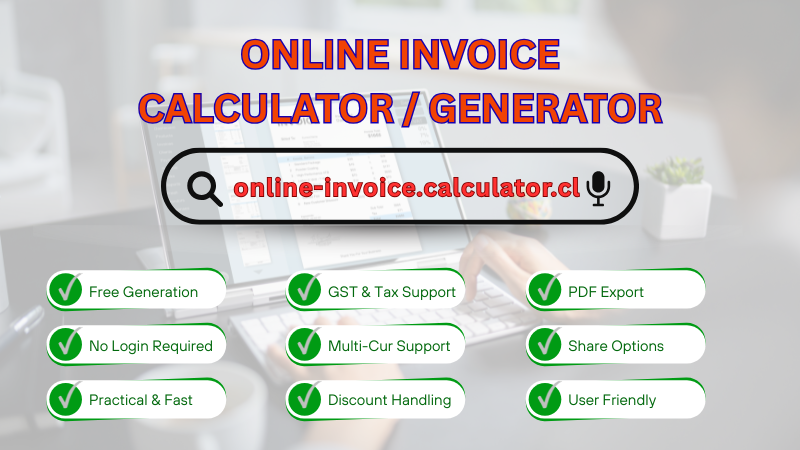
An Online Invoice Calculator — sometimes called an Online Invoice Generator — is a browser-based tool that helps you create accurate, professional invoices without heavy software or sign‑ups. This tool lets you enter business and client details, add line items, define taxes (IGST or CGST + SGST), select currencies, apply discounts (flat or percent), include shipping/handling, add notes, and export the final invoice as a PDF. Because everything runs in your browser, you can work quickly and securely with instant visual feedback in the live preview.
Why choose this Online Invoice Generator?
- Fast and intuitive: Clean layout, clear labels, and immediate calculations.
- Accurate totals: Subtotal → discount → tax → shipping → total, in the right order.
- Tax modes for India and beyond: Choose IGST (single rate) or CGST + SGST (split) — or no tax at all.
- Flexible discounts: Apply a flat amount or a percentage discount; the tax base adjusts automatically.
- Multi‑currency: USD, EUR, GBP, INR, AUD, CAD, and JPY with symbols.
- Logo upload: Brand your invoice by adding your company logo.
- Rich export options: One‑click PDF export, three design templates (Modern, Classic, Minimal), and a Fit‑to‑A4 multi‑page option.
- Productivity features: Autosave, Version History, Manage Saves (named saves), and a responsive layout that works everywhere.
Key features of the tool
- Business & Client sections: Keep identities and addresses clear for compliance and communication.
- Items table: Add/remove rows, set quantities and unit prices; totals update automatically.
- Tax & Pricing: Choose IGST or CGST+SGST, set rates, pick currency, add shipping, and configure discount type/value.
- Live Preview: The invoice you see is the invoice you export — WYSIWYG.
- Templates: Switch between Modern, Classic, and Minimal styles; export any variant directly.
- Fit to A4: Ideal for long invoices; enables multi‑page PDF output with proper scaling.
- Save & Load: Save your invoice locally, load the last version, and manage multiple named saves.
- Version History: Automatically keeps the last 20 versions on each save.
- Share options: Quick email or WhatsApp sharing and copy‑link actions.
| Category | Details | Status |
|---|---|---|
| Taxes | IGST or CGST + SGST with custom rates | Supported |
| Discounts | Flat amount or percent with tax base adjustment | Supported |
| Currencies | USD, EUR, GBP, INR, AUD, CAD, JPY | Supported |
| Templates | Modern, Classic, Minimal + one‑click exports | 3 Variants |
| PDF Output | Standard export and Fit‑to‑A4 multi‑page | A4 Ready |
| Productivity | Autosave, Version History, Manage Saves | Enabled |
Who should use this Online Invoice Calculator?
This Online Invoice Generator is perfect for freelancers, consultants, agencies, small businesses, shopkeepers, SaaS vendors, and service providers who need an accurate, branded invoice fast. It works well for domestic and international billing thanks to currency and tax flexibility.
How to use the Online Invoice Generator (step‑by‑step)
- Enter Business and Client details: Add names and contact information.
- Add items: Include description, quantity, and unit price for each line item.
- Configure Tax & Pricing: Choose IGST or CGST+SGST; set rates, currency, discount type/value, and shipping.
- Upload a logo (optional): Brand your invoice header.
- Review the Live Preview: Ensure the totals and formatting look correct.
- Save or Export PDF: Save locally, store named versions, or export as PDF (Modern, Classic, Minimal) with optional Fit‑to‑A4.
- Share: Send the invoice via email or WhatsApp, or copy a link for quick sharing.
Tips for accurate invoices
- Use consistent invoice numbers: e.g., INV‑2025‑001, INV‑2025‑002.
- Describe items clearly: Include model, size, or service period when relevant.
- Set the right tax mode: IGST for inter‑state; CGST+SGST for intra‑state in India; use No Tax for tax‑exempt scenarios.
- Choose discount type wisely: Flat for fixed deductions; Percent for promos.
- Save before clearing browser data: Saves live in your browser; export PDFs for off‑device backups.
Example calculation
Suppose your subtotal is ₹22,000. You apply a 10% discount (₹2,200). Taxable base becomes ₹19,800. With CGST 9% (₹1,782) and SGST 9% (₹1,782), total tax is ₹3,564. Add shipping ₹200. Final total is ₹23,564. The Live Preview and PDF will show each component clearly so clients understand how the total is formed.
FAQs about the Online Invoice Calculator
Is the Online Invoice Generator free? Yes, the calculator is free to use in your browser.
Can I use it offline? You can edit previously loaded data, but export and some features may require connectivity for libraries/CDNs. Consider keeping the tab open.
Does it support multiple templates? Yes — Modern, Classic, and Minimal, plus quick export buttons for each.
What about data privacy? Saves are stored locally on your device via browser storage; we do not collect your data. Export PDFs regularly if you plan to clear cache.
Does it handle long invoices? Yes. Use the Fit‑to‑A4 option to create multi‑page PDFs for lengthy item lists.